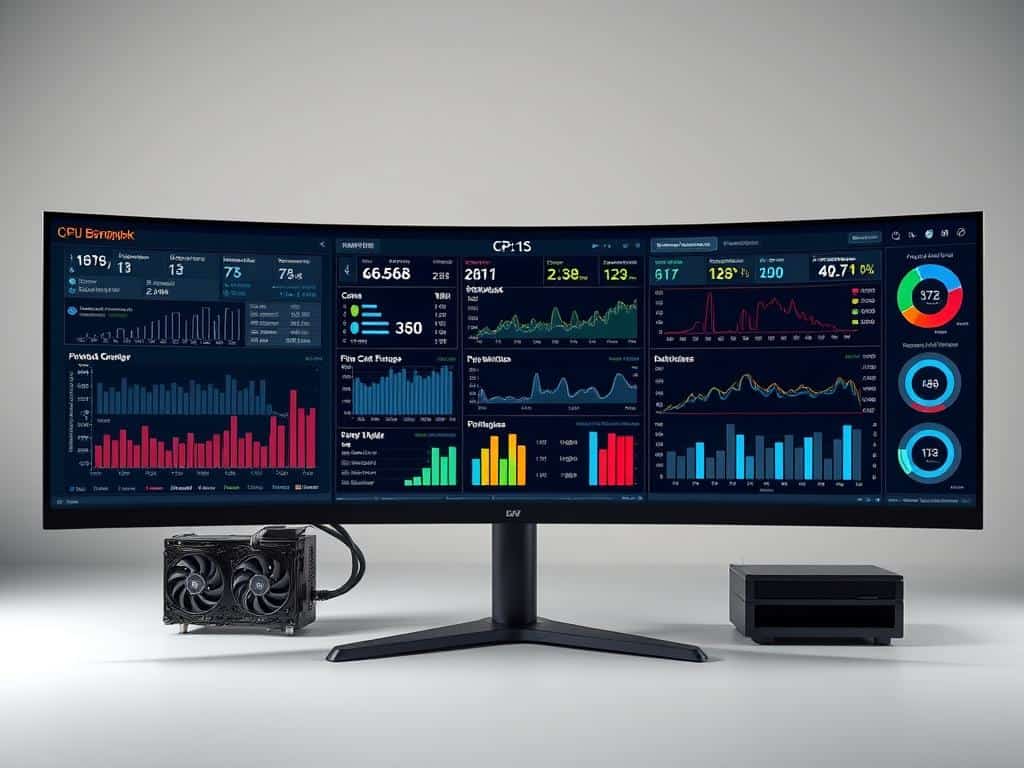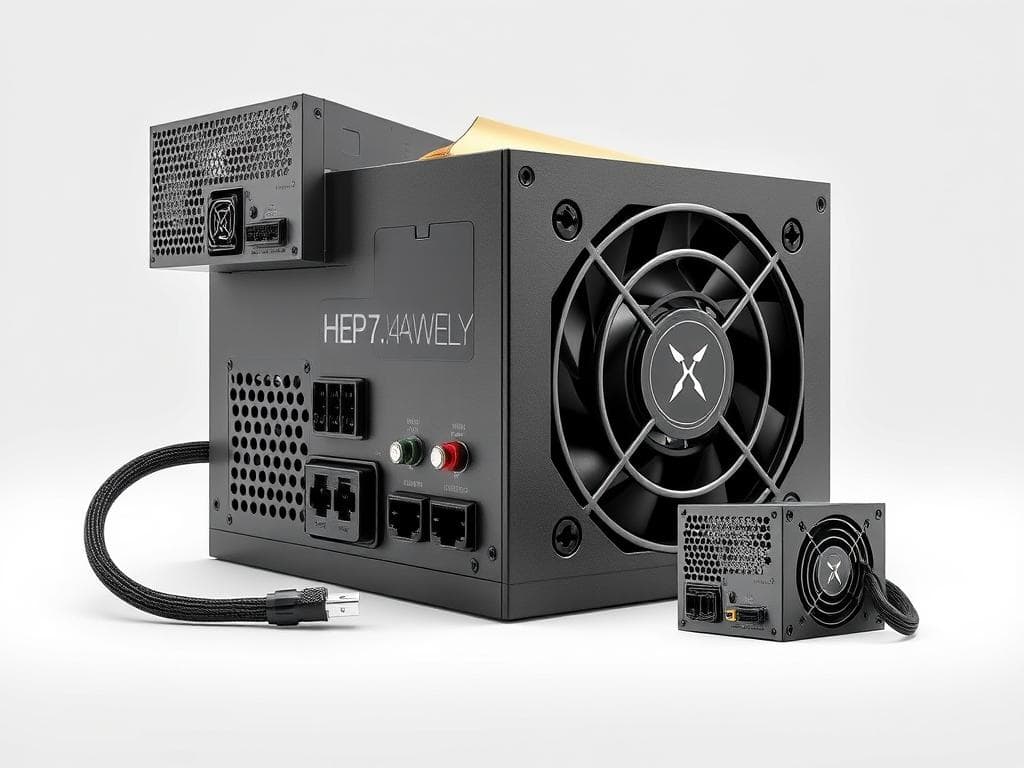
Did you know the right wattage for your PC power supply is key? It should be about 20% more than your system’s max load. For example, if your gaming setup needs 566W, a 600W power supply is best. For heavy tasks like crypto-mining, you might need 850W to 1000W for better energy use and less heat.
Knowing your power needs is critical, as today’s GPUs like the NVIDIA GeForce RTX 40 series need more power. This article will guide you on how to pick the right wattage. It also covers the importance of energy efficiency and making sure your power supply can handle future upgrades. By making the right choice, your system will run smoothly and efficiently.
Key Takeaways
- Choosing the right PSU wattage is essential to avoid system failures.
- It’s advisable to opt for a PSU rated at least 20% higher than the maximum load.
- Future performance needs and equipment upgrades should influence my power supply choice.
- High-quality PSUs can significantly reduce electricity costs over time.
- Modern GPUs often require a higher wattage supply for optimal functionality.
Understanding Power Supply Units (PSUs)
A power supply unit, or PSU, is key for any computer. It changes electrical energy from an outlet into a form that components can use. This includes the motherboard, CPU, and GPU. A good PSU is essential for your system to work well and reliably.
What is a PC Power Supply?
The role of a PC power supply is huge. It gives power to all parts of your system. A good PSU keeps voltage stable and prevents damage to your hardware.
Knowing the basics is important. A bad PSU can cause big problems, like hardware failure. So, it’s key to understand PSU specs and certifications.
Importance of Choosing the Right PSU
Choosing the right PSU is very important. A bad one can cause crashes or not enough power for demanding parts. Knowing about efficiency ratings, like 80 PLUS, helps you make a good choice.
For example, a Gold or Platinum rating means the PSU is very efficient. This means it lasts longer and saves energy. It’s great for powerful systems or high-end gaming.
Calculating Your Wattage Needs
Understanding how to calculate wattage is key when building or upgrading a PC. I look at several important factors to figure out my system’s power needs. First, I check the power use of each part, like the CPU and GPU. I also consider cooling fans, liquid pumps, and RGB lighting, as they all add to the total power needed.
Factors to Consider When Calculating Wattage
When figuring out wattage, I always think about the CPU and GPU’s thermal design power (TDP). For example, the Intel Core i5-14600K uses between 65W and 112W. The Intel Core i7-14700K can use 105W to 165W. On the AMD side, the Ryzen 5 9600X also uses 65W to 112W, and the Ryzen 9 9900X is steady at 165W. I also think about overclocking, as it increases power needs.
Using a PSU Calculator for Accuracy
For a more accurate estimate, I use a PSU calculator. These tools consider all parts and suggest the right wattage. Sites like PCPartPicker and Extreme OuterVision are great for this. By entering my planned components, the calculator tells me how much wattage I need. This helps me pick a power supply that fits my system without wasting power.

Choosing the Right PC Power Supply
Choosing the right power supply for my PC is important. I look at efficiency ratings and future needs. The efficiency of a PSU affects performance and costs over time.
PSU efficiency ratings range from Bronze to Gold, Platinum, and Titanium. These ratings show how much power is used versus wasted as heat. An efficient PSU uses 80% to 96% of the power drawn from the outlet.
This efficiency means lower energy bills and less environmental impact.
Efficiency Ratings: Bronze, Gold, Platinum, and Titanium
The 80 PLUS certification system has different efficiency tiers: Bronze, Silver, Gold, Platinum, and Titanium. This helps me choose based on performance needs. A Bronze-rated PSU has a minimum of 82% efficiency, while a Gold-rated unit has at least 87%.
Choosing an energy-efficient power supply improves PC reliability and saves on operating costs over time. With components like the RTX 4090 needing at least 850 watts, high-efficiency is key for system stability.
Future-Proofing Your Power Supply Choice
Future-proofing my PC setup is essential with hardware advancements. I aim to choose a PSU with more wattage than I need now, about 150 watts more. This way, I can add new components without needing a new PSU.
If my current build uses around 400 watts, a 650-watt PSU gives room for upgrades. This approach ensures my system lasts longer and performs well without losing efficiency.
Conclusion
Choosing the right PC power supply is key for anyone setting up or upgrading a computer. A good power supply unit (PSU) keeps your system running smoothly. It’s also important for handling different power needs, like office PCs or gaming rigs.
Using PSU calculators to figure out wattage needs is a must. This helps avoid power supplies that are too small. They can cause crashes or damage data. Knowing about efficiency ratings like Bronze, Gold, and Platinum helps pick a PSU that saves energy and cuts costs.
Deciding wisely on power supplies makes for better and more stable PCs. PSUs are essential for reliable and long-lasting performance. With the right knowledge and tools, I can make sure my PC runs efficiently and sustainably.