Did you know slow download speeds can limit your online activities? This includes things like video calls and streaming. With more of us working from home and streaming, fast, reliable internet is key. But, the problem might not always be with your ISP.
Understanding your internet speed and using network optimization can greatly improve your Wi-Fi. Fixing slow or unreliable connections can make browsing faster and more enjoyable. In this article, I’ll show you how to troubleshoot and make your Wi-Fi better. Let’s improve your internet connection together!
Key Takeaways
- Average download speeds below 50 Mbps can hinder normal online activities.
- Understanding your internet plan is vital for proper speed management.
- Router placement significantly affects Wi-Fi performance.
- Optimizing router settings can lead to faster connections.
- Utilizing Ethernet connections can provide more stability than Wi-Fi.
- Regular updates and maintenance of your router ensure optimal performance.
- Utilizing dual-band routers can enhance your network’s flexibility.
Understanding Your Internet Speed
Before I start optimizing my internet, it’s key to understand my speed. Knowing my internet speed plan helps spot performance issues and sets realistic goals. Internet speed is usually measured in megabits per second (Mbps). For example, 100 Mbps is enough for most homes, supporting many devices and activities.
Importance of Knowing Your Internet Plan
Knowing my Mbps helps me fix connection problems. I can check this info on my provider’s app or website. Different activities need different speeds. For HD video streaming, 15-25 Mbps is needed, while gaming might require 25-40 Mbps. This helps me see if my connection is up to the task.
Factors Affecting Internet Speed
Many things can slow down my internet. The connection type, like fiber, cable, or DSL, is a big factor. Fiber is usually the fastest. Also, too many devices on my network can slow things down, more so from 7 p.m. to 11 p.m. Things like other electronics or distance from the modem can also affect my speed. Knowing these can help me improve my internet experience.
Optimize Your Router Settings for Better Performance
To get the best from my home network, I tweak my router settings and where it sits. Putting the router in the right spot is key for good Wi-Fi everywhere. I make sure it’s in the middle, away from walls and metal that can block signals.
In homes with more than one floor, placing the router higher helps. This way, it sends a stronger signal to the top floors.
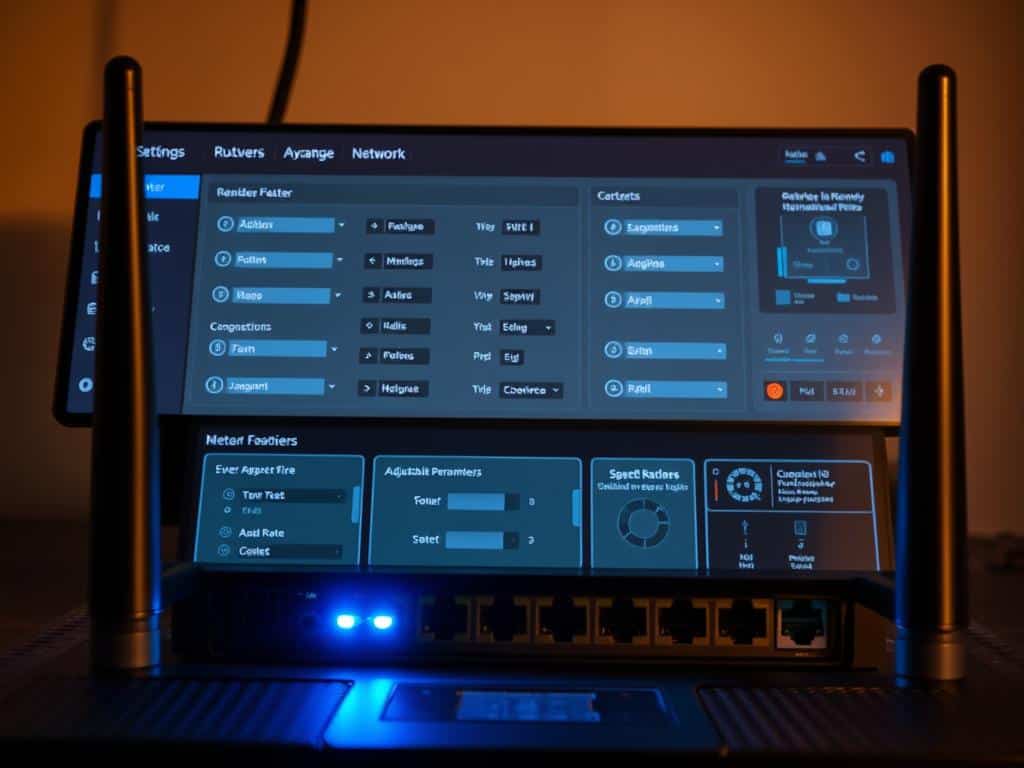
Choosing less busy Wi-Fi channels also boosts performance. The 2.4 GHz band has 11 channels, with channel 6 being the default. If my neighbors’ signals are too strong, I change channels to 1 or 11.
Also, many routers can broadcast on both 2.4 GHz and 5 GHz bands. I use the 5 GHz band for devices needing fast speeds, like those near the router. Older devices stay on 2.4 GHz for better connection.
By adjusting these settings and placing the router right, I get faster and more reliable internet.
Key Tricks to Enhance Your Internet Speed
To boost my internet speed, I’ve found a few key tricks. These methods make my online activities smoother and more enjoyable. They help me get the most out of my internet connection.
Utilize Ethernet Connections Where Possible
Using Ethernet connections is a top way to get a stable internet. Wired connections are faster and more reliable than Wi-Fi. For gaming consoles or desktop PCs, Ethernet makes a big difference.
It cuts down on latency and blocks out other signals. This means a smoother online experience for me.
Regularly Update Your Router’s Firmware
Updating my router’s firmware is also key. Firmware updates improve how my router works and keeps it secure. I check the manufacturer’s website or app for updates.
This keeps my network running at its best. It supports my internet activities well.
Conclusion
Boosting Internet speed is essential today. I’ve shown you ways to make your Wi-Fi better. This can change how you use the internet.
Knowing your Internet plan and tweaking your router are key. These steps can make your online experience much better.
Fast internet is critical because slow speeds can lose customers. Slow speeds can also hurt your work. So, making your internet faster is worth it.
With the right steps, you can use many devices without slowing down. This is great for streaming, gaming, and video calls. Faster internet makes everything better.
Start now to make your internet faster. You’ll enjoy a quicker and more reliable connection.