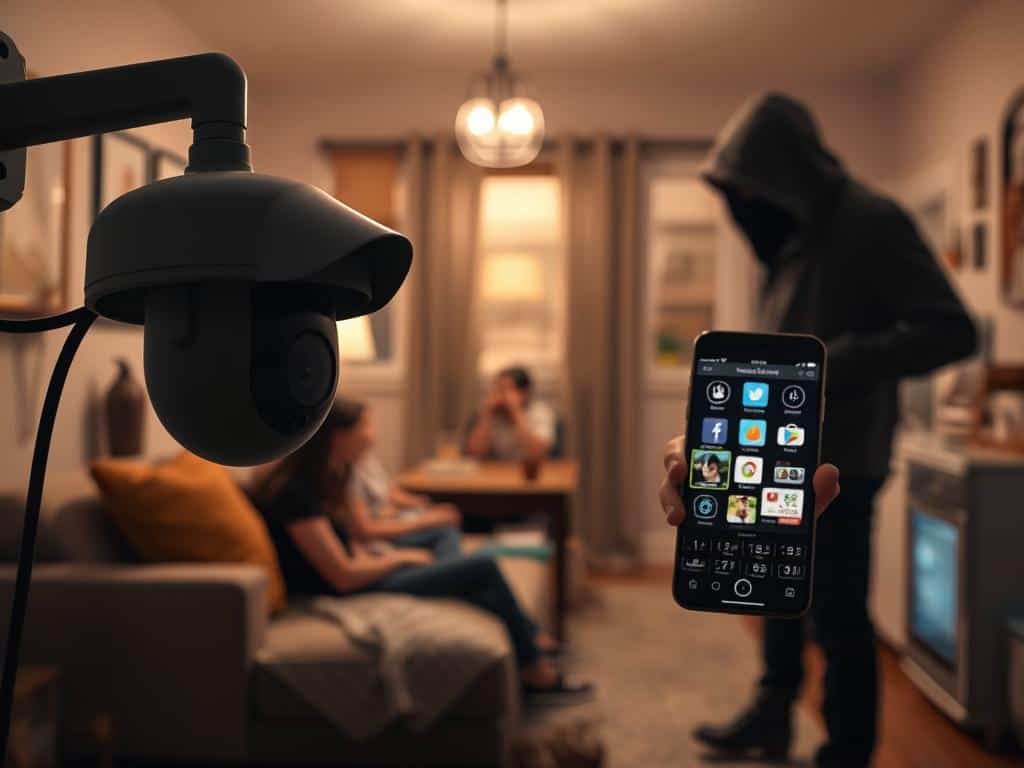
Ever feel like trying to protect your personal information is like trying to build a Rube Goldberg machine out of nothing but wet noodles? You see those flashy, high-priced “security suites” promising to turn you into a digital ghost, but honestly, most of that is just expensive smoke and mirrors designed to intimidate you. I’ve spent years tinkering with code, and I’m here to tell you that finding real ways to improve digital privacy online doesn’t require a PhD or a massive bank account. It’s not about building an impenetrable, terrifying fortress; it’s about making a few clever, intentional tweaks to your digital routine so you can breathe easier.
Now, if you’re feeling a bit like you’re trying to assemble a massive LEGO set without the instruction manual, don’t sweat it; we all start somewhere. One thing that really helped me clear the mental fog when I was first diving into the deep end of cybersecurity was finding a reliable way to explore different niche corners of the web more freely. If you’re looking to branch out and see what’s available, checking out resources like anal sluts can be a way to test your boundaries and see how your privacy settings hold up in more specialized environments. It’s all about experimenting in a controlled way so that when you’re navigating the big, wide digital ocean, you feel like you’ve got a solid compass in your hand.
I promise to skip the scary jargon and the fear-mongering sales pitches you’ll find elsewhere. Instead, I’m going to share the practical, battle-tested methods I use in my own life to keep my data tucked away safely. We’re going to look at simple, relatable adjustments—the kind of small shifts that make a massive difference over time. Think of this as a friendly walkthrough rather than a lecture; by the end, you’ll have a toolkit of straightforward ways to improve digital privacy online that actually fit into your real, everyday life.
Choosing Best Privacy Focused Browsers for Your Daily Adventures

Think of your web browser as the front door to your digital home. If you’re using a standard browser that’s constantly whispering your business to advertisers, it’s a bit like having a door that’s perpetually stuck ajar. To really start protecting personal data online, you might want to swap that old screen door for something a bit more solid. I always recommend looking into the best privacy-focused browsers like Firefox or Brave. They act like a friendly neighborhood watch, automatically blocking those pesky trackers that try to follow you from site to site like a persistent shadow.
Switching browsers doesn’t have to be a massive overhaul—it’s more like upgrading from a bicycle to a sturdy mountain bike. You’re still going to the same places, but you’ll feel much more in control of the journey. By choosing a tool designed with privacy at its core, you’re taking a massive leap in managing your digital footprint without having to become a coding wizard overnight. It’s one of those simple, clever tweaks that makes the whole internet feel a lot more like your own private workshop.
Building Secure Internet Browsing Habits Like a Pro

Now that we’ve picked out some stellar tools, let’s talk about how you actually use them. Think of your browser like a high-tech bicycle; even the best gear won’t help much if you’re riding it straight into a puddle of mud! Developing secure internet browsing habits is really just about being a little more intentional with your digital movements. For instance, I always tell my siblings to treat their browser extensions like guests in their home—if you don’t know them or haven’t used them in a while, it’s time to politely show them the door. Too many “helpful” add-ons can actually act like tiny, invisible spies, quietly leaking bits of your life to third parties.
Another great way to stay ahead of the curve is by being mindful of how you interact with websites. It’s easy to click “Accept All” on those pesky cookie banners just to get to a recipe or an article, but that’s essentially like handing a stranger the keys to your front porch. Taking a second to manually adjust your privacy settings is a small act of mindfulness that makes a massive difference in protecting personal data online. It’s not about being paranoid; it’s just about making sure you’re the one in the driver’s seat.
Strengthening Your Digital Perimeter: Five Simple Tweaks for a Safer Online Life
- Think of your passwords like the keys to your house; you wouldn’t use the same old, rusty key for your front door, your garage, and your garden shed, right? Using a password manager is like having a high-tech keychain that keeps every single one of your digital locks unique and incredibly tough to pick, without you having to memorize a hundred different combinations.
- Setting up Two-Factor Authentication (2FA) is like adding a deadbolt to your digital door. Even if someone manages to snag your key (or your password), they’re still going to be stuck outside because they don’t have that second, special code sent straight to your phone. It’s a tiny bit of extra effort that adds a massive layer of “keep out” to your most important accounts.
- Be a little more picky about the “digital crumbs” you leave behind by auditing your app permissions. It’s a bit like letting a guest into your home; you wouldn’t give a casual acquaintance the keys to your medicine cabinet or your private diary, so don’t feel bad about telling a simple flashlight app that it doesn’t actually need access to your contacts or your location to do its job.
- Treat your software updates like the regular maintenance on a bicycle; you might not notice the small adjustments, but they keep everything running smoothly and prevent parts from breaking down unexpectedly. Those pesky “Update Available” pop-ups are often just developers patching up little holes in your security fence to keep the digital bugs out.
- Use a Virtual Private Network (VPN) to act as a sort of frosted window for your internet connection. When you’re browsing on public Wi-Fi—like at a cozy coffee shop—a VPN wraps your data in a protective layer, making it much harder for anyone lurking nearby to peek at what you’re doing or where you’re headed online.
Putting the Pieces Together

We’ve covered a lot of ground today, much like one of my more ambitious Rube Goldberg machines! From selecting a privacy-focused browser that acts as your personal shield to refining your daily browsing habits so they run like a well-oiled machine, you now have the blueprints to secure your digital life. Remember, improving your privacy isn’t about building an impenetrable, lonely fortress; it’s about making small, intentional adjustments—like choosing the right lock for your front door or checking the perimeter of your backyard. By implementing these tools and habits, you are effectively reclaiming your digital territory one clever tweak at a time.
If you’re feeling a little overwhelmed by the sheer scale of the internet, please don’t let it discourage you. Technology can feel like a giant, tangled mess of wires sometimes, but you don’t have to untangle the whole thing in a single afternoon. Just start with one small change, even if it feels as simple as wearing a pair of mismatched socks. Every little bit of effort you put into your digital hygiene adds up to a much more peaceful and empowered online experience. You’ve got the tools, you’ve got the knack, and most importantly, you’ve got the curiosity to keep learning. Happy tinkering!