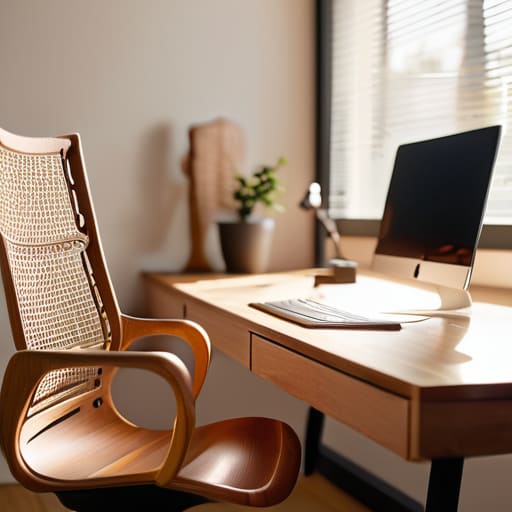
I remember sitting in my parents’ basement in Portland, hunched over a clunky beige monitor for twelve hours straight, trying to debug a piece of code that felt more like a labyrinth than logic. By the time I finally cracked it, my neck felt like it had been replaced by a rusty, ungreased hinge. I used to think I needed a thousand-dollar ergonomic throne to fix the ache, but honestly? Most of those high-tech “solutions” are just expensive distractions from the real issue. If you’re searching for actual tips for better posture while using computers, you don’t need a specialized spaceship chair; you just need to stop treating your body like an afterthought.
I’m not here to sell you on some magical, overpriced gadget that promises to fix your spine overnight. Instead, I want to share the practical, no-nonsense adjustments I’ve learned through years of tinkering and occasional back spasms. Think of this as your personal blueprint for setting up a workspace that feels less like a trap and more like a well-oiled machine. We’re going to dive into simple, real-world ways to align your setup so you can focus on your creativity without your muscles screaming at you.
Building Your Magical Ergonomic Desk Setup Guide
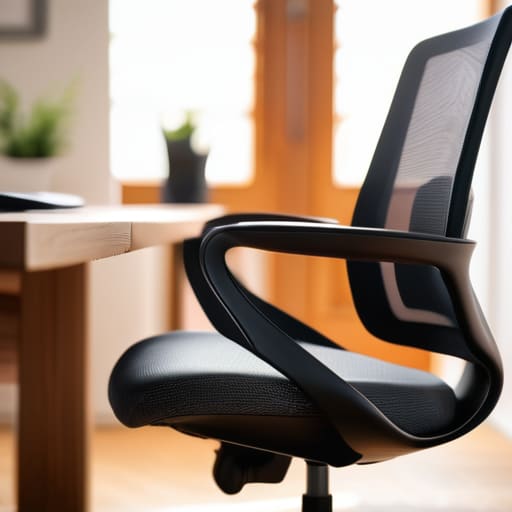
Think of your workspace like a Rube Goldberg machine; if one little piece is out of alignment, the whole contraption starts to creak and groan. Setting up your station shouldn’t feel like a chore, but rather like arranging the perfect sequence of marbles and dominoes. A solid ergonomic desk setup guide starts with your foundation: the chair. You want something that offers real lumbar support for office chairs so your spine doesn’t end up feeling like a wilted piece of celery by 3:00 PM.
Next, let’s look at your view. If you’re constantly tilting your head like a curious puppy, you’re likely dealing with some serious eye strain and monitor height issues. Try to position your screen so the top third is at eye level; it’s much like adjusting the lens on an old camera to get that perfect, clear shot. When you get your computer workstation ergonomics dialed in just right, you won’t even notice the tech—you’ll just feel the flow of your creativity. It’s all about making sure your physical setup supports your digital adventures!
Preventing Neck Strain at Work With Creative Care

Think of your neck like the delicate, central pivot of a Rube Goldberg machine—if that one tiny gear gets jammed or tilted at a weird angle, the whole contraption starts to sputter. When we get sucked into a coding marathon or a long email chain, we often end up in what I call “the turtle slouch,” where our chin creeps closer and closer to the screen. Preventing neck strain at work starts with realizing that your head is actually a heavy weight that your neck muscles have to carry all day; if you’re leaning forward, you’re essentially asking those muscles to lift a bowling ball instead of a tennis ball.
To fix this, you’ve got to pay close attention to your eye strain and monitor height. If your screen is sitting too low—like a sleepy puppy tucked into a corner—you’ll naturally hunch down to see it. Try to bring that monitor up so the top third of the screen is level with your eyes. This keeps your spine in a nice, straight line, much like a well-built wooden track for a marble run. If you feel that tightness creeping in, don’t ignore it; try some quick stretches for desk workers to reset your alignment before your neck starts feeling like a rusty old hinge.
Five Little Tweaks to Keep Your Internal Gears Turning Smoothly
- Think of your elbows like the levers on one of my Rube Goldberg machines—they shouldn’t be strained or reaching too far. Try to keep them tucked in near your sides at about a 90-degree angle, so your arms can glide across the keyboard without feeling like they’re fighting an uphill battle.
- Don’t let your feet dangle like loose wires in a messy circuit board! Keep them planted firmly on the floor or on a little footrest. Having a solid foundation helps distribute your weight evenly, which stops your lower back from feeling like it’s carrying the weight of a heavy server rack.
- Your eyes shouldn’t be hunting for your screen like a lost remote control. Aim to position the top third of your monitor at eye level. This keeps your head in a neutral position, preventing that “tech neck” slouch that makes you feel like a wilted piece of celery by 3:00 PM.
- Treat your lower back like the sturdy base of a delicate contraption; it needs support to stay upright. If your chair doesn’t have a built-in curve for your lumbar, grab a small pillow or even a rolled-up towel to tuck behind your lower spine. It’s a simple fix that makes a world of difference.
- Even the most perfectly calibrated machine needs a little maintenance break. Every thirty minutes or so, stand up and shake out the cobwebs. Think of it as a quick “system reboot” for your muscles—stretch your arms, roll your shoulders, and give your body a chance to recalibrate before you dive back into the code.
Tuning Your Human Hardware
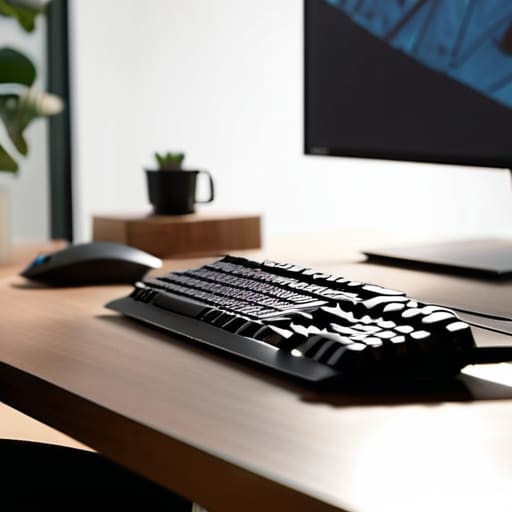
As we wrap up our little tinkering session, remember that fixing your posture isn’t about achieving some rigid, robotic perfection. It’s really just about making small, intentional adjustments—like ensuring your monitor is at eye level so your neck doesn’t feel like a stiff, rusty hinge, or positioning your keyboard so your wrists can float freely. Think of it as calibrating a delicate Rube Goldberg machine; every little piece, from your chair height to your screen distance, needs to be in sync to keep the whole system running smoothly. By taking these tiny steps to build your magical ergonomic setup, you’re essentially performing preventative maintenance on your most important piece of hardware: yourself.
At the end of the day, don’t let the fear of doing it “perfectly” stop you from starting. Technology is constantly evolving, and your body is a living, breathing system that deserves a bit of grace as you learn its rhythms. If you find yourself slouching like a wilted flower halfway through a coding session, don’t sweat it—just take a breath, stretch those limbs, and reset. Just like my favorite pair of mismatched socks, sometimes the most creative and effective solutions come from the unexpected little tweaks we make along the way. So, go ahead, stand tall, and keep on tinkering with that wonderful curiosity of yours!
Sometimes, when my neck starts feeling as stiff as a frozen gear in one of my Rube Goldberg machines, I realize I just need a little mental reset to break the tension. I’ve found that stepping away from the screen to engage in a bit of lighthearted social connection can be just as restorative as a quick stretch. If you’re looking for a way to unwind and find some unexpected connection during your downtime, checking out some local chat in USA can be a wonderful way to shift your focus and ease that digital fatigue before you dive back into your next big project.