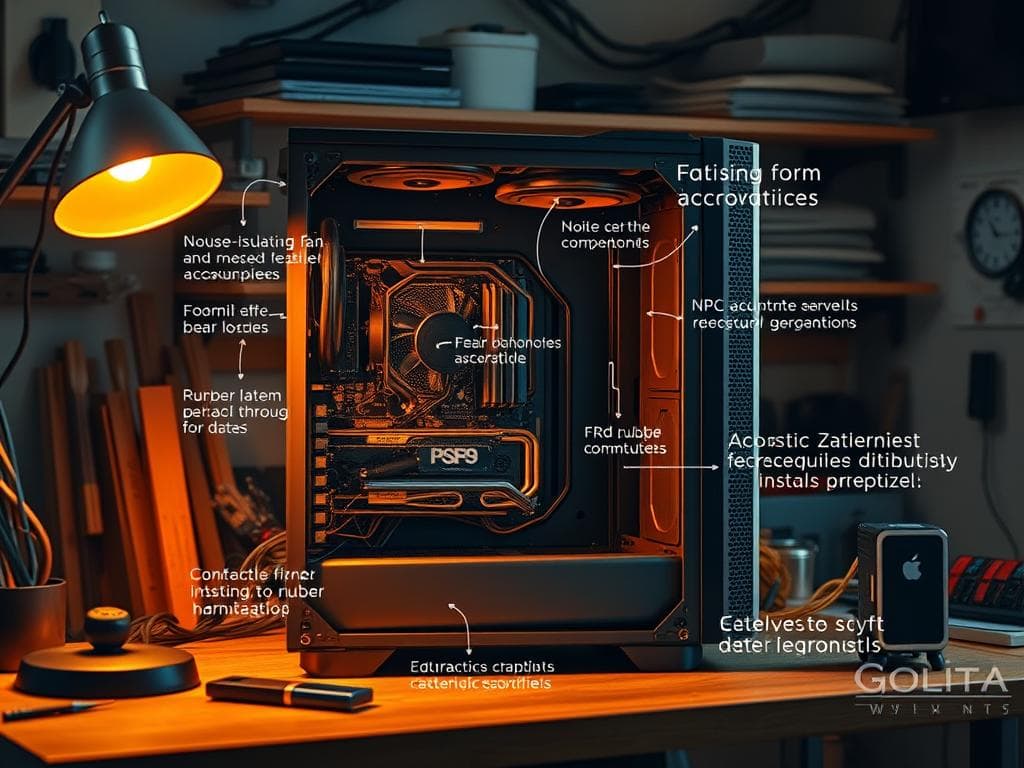
Did you know running fans at 60 to 70 percent can cut noise by up to 50 percent? This shows how key PC noise reduction is, for tasks like gaming and video editing. Loud fans can really get in the way, making it hard to focus.
But, making your PC silent is possible. By knowing what makes noise and using smart fixes, you can keep your computer quiet and fast. We’ll explore common noise causes and how to control fans and soundproof your PC. Let’s make your PC as quiet as a whisper.
Key Takeaways
- Running fans at a reduced speed drastically decreases noise levels.
- Choosing the right computer case can enhance airflow and considerably reduce fan noise.
- Regular maintenance, including dust cleaning, is vital for noise control.
- High-quality passive cooling solutions can greatly reduce the need for loud fans.
- Using soundproofing materials can help isolate and reduce both structure-borne and airborne noise.
Understanding the Sources of PC Noise
Noise is unwanted sound in a PC. It comes from many places. Knowing the causes of PC noise helps fix problems. Main sources are cooling fans, mechanical hard drives, and water pumps.
Each part makes different sounds. These sounds can really affect how you use your PC.
Common Causes of Noise in PCs
Internal cooling fans are big noise makers. They keep your PC cool but can get too loud if they’re not working right. Mechanical hard drives click and whir when they’re busy, which can be startling.
Solid-state drives, on the other hand, are quiet because they don’t have moving parts.
It’s also important to check CPU temperatures. High temperatures make fans spin faster, which increases noise. Power Supply Units (PSUs) have fans too, adding to the sound. High-end graphics cards have cooling systems that can make noise when they’re working hard.
Diagnosing Noise Levels
Figuring out where PC noise comes from takes some work. Using Windows’ Task Manager helps track down noisy apps. This helps find the source of the noise.
Watching CPU and GPU temperatures helps spot problems early. This can prevent bigger issues like hard drive failures or fan problems.
Keeping your PC clean helps fans work better and makes less noise. Dust blocks airflow, making fans work harder and louder. Regular cleaning and checks keep your PC quiet.
Effective Strategies for PC Noise Reduction
Reducing PC noise can greatly improve your experience. I focus on three key strategies: optimizing fan control, soundproofing, and regular cleaning. These methods help create a quieter computing space.
Optimizing Fan Control
Fan control is vital for noise management. Adjusting fan speeds based on temperature keeps my system cool and quiet. PCs often let you customize fan settings through software or UEFI/BIOS.
Using bigger fan blades helps move air quietly at lower speeds. This makes a big difference in sound levels.
Implementing Soundproofing Techniques
Soundproofing techniques are very effective for noise reduction. Acoustic foam panels inside the PC case absorb sound. Sound-deadening mats also block vibrations, reducing noise.
Switching to rubber or silicone mounts instead of screws is another great idea. It helps cut down on vibrations, which can be a big noise source, like with hard drives.
Regular Maintenance and Cleaning
Regular maintenance is key for keeping noise down. Dust buildup forces fans to work harder, making more noise. Cleaning fans, filters, and parts is essential for quiet operation.
Simple steps like disassembling parts or using a dust blower can help. They keep your PC running smoothly and quietly.
Conclusion
Making a quiet PC is more than just cutting down on noise. It’s about making your computing time better. By tackling noise sources and using smart noise-cutting methods, I’ve made my workspace quieter. This is great for small home offices.
Learning about fan control, sound-absorbing materials, and keeping things clean has really helped. It’s cut down the noise a lot. This makes my work area more comfortable and helps me work better.
Looking into quiet PC options has shown me that good parts and soundproofing are worth it. For example, swapping out fans and using acoustic foam can cut noise by over 50%. Plus, keeping my PC in good shape means it lasts longer and works better, all while being quieter.
In short, making your PC quieter is doable with the right tools and methods. Choosing the right parts and keeping things tidy can turn your workspace into a place of focus and creativity. Using these tips, I can enjoy my computer time without distractions.